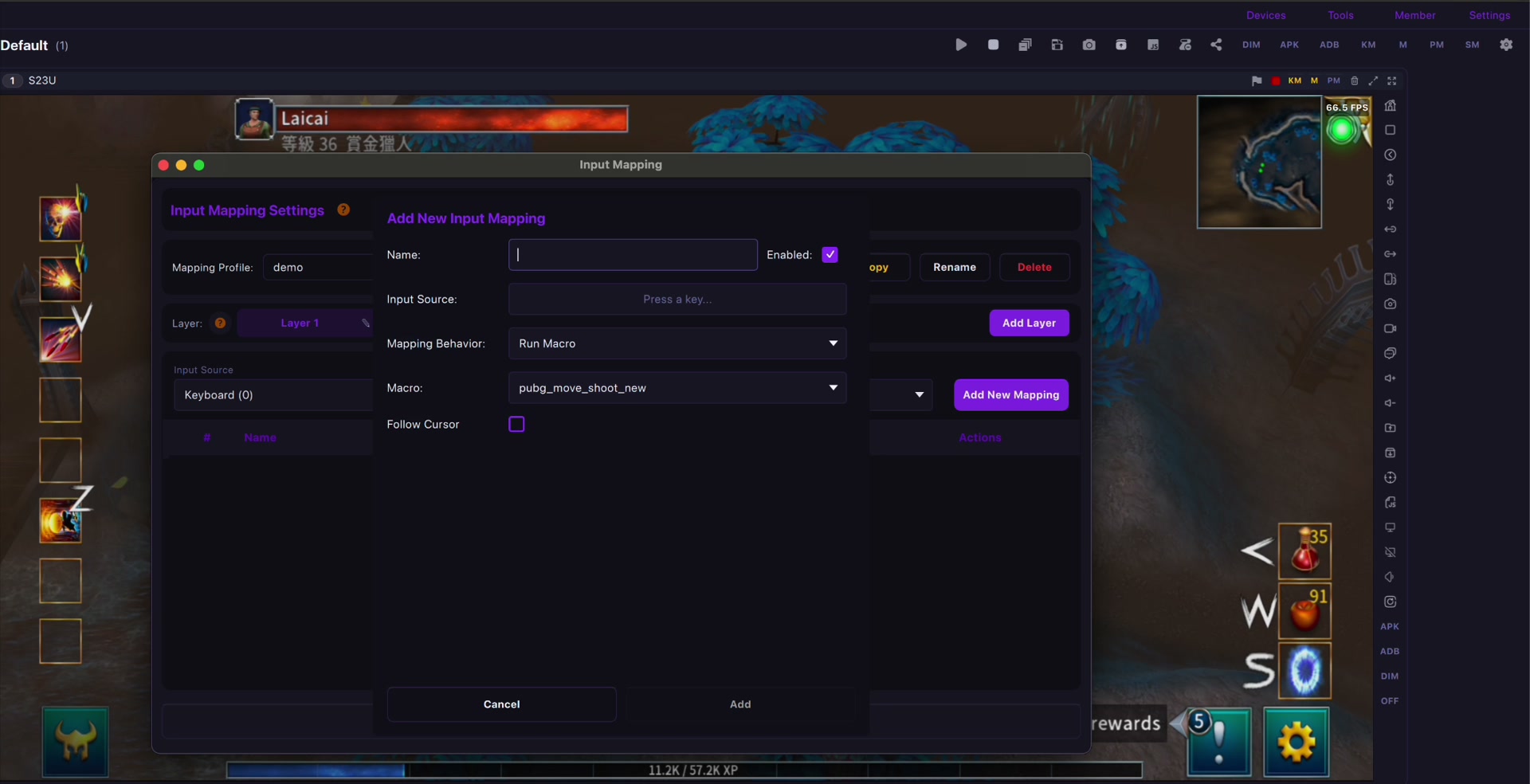
腳本適合被允許的重複任務,例如打開測試步驟、截圖、錄製培訓流程、檢查設備狀態,而不是做違規操作。
萊彩投屏 helps teams keep real Android phones visible on a computer, reduce repetitive device switching, and build a clearer device-operation desk.
核心能力
腳本適合被允許的重複任務,例如打開測試步驟、截圖、錄製培訓流程、檢查設備狀態,而不是做違規操作。
For single-device work, start with 電腦控制 Android 手機. For grouped devices, continue with 一台電腦控制多台 Android 手機; Mac teams can use macOS 上群控 Android 手機.
安全使用場景
不要把設備群控、自動化或腳本用於垃圾資訊、虛假互動、未授權存取、作弊、抓取或規避平台規則。
Use this workflow for QA, customer support, e-commerce operations, training, recording, and permitted device maintenance.
連接與證據
Connection quality affects latency, screenshot clarity, and recording stability. Compare USB 與 Wi-Fi Android 投屏 before scaling the device desk.
下一步
先從一台手機開始,確認延遲和錄影品質,再擴展到可控的多設備工作流。