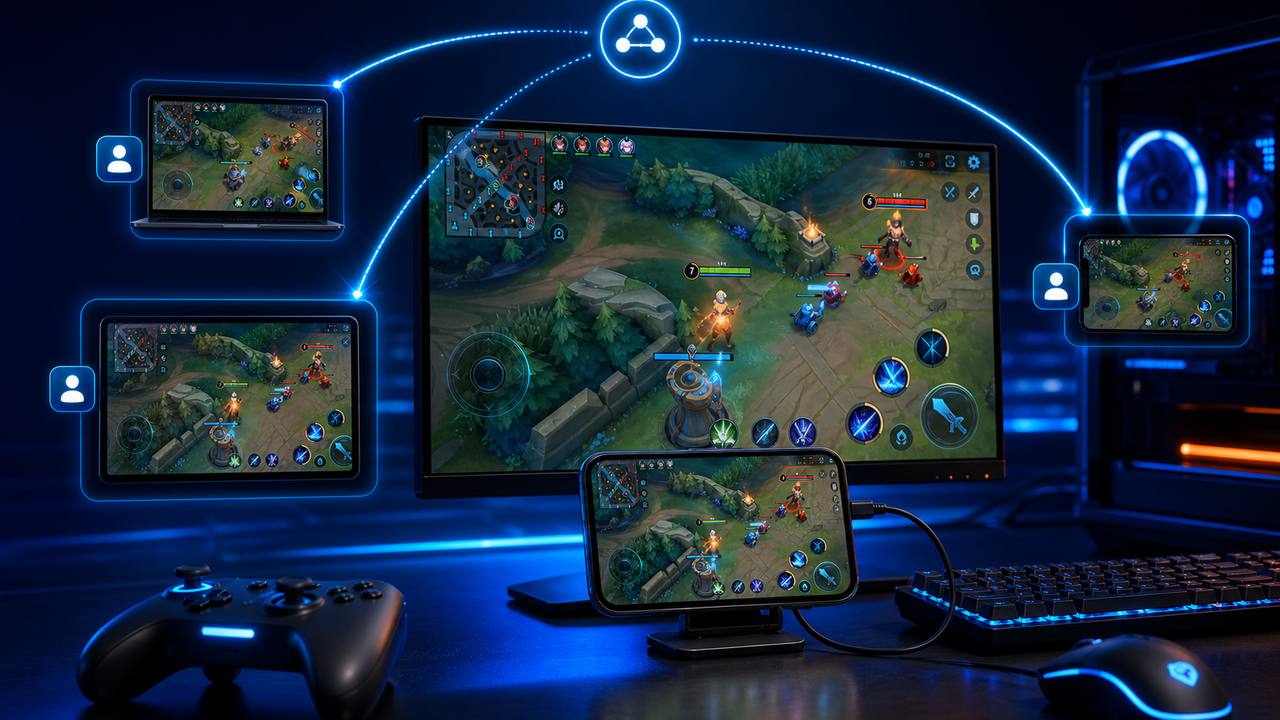
Remote troubleshooting is difficult when the problem only appears inside a mobile app. A teammate may describe the issue in chat, but the support person still needs to see the phone screen, check the app state, reproduce the flow, capture screenshots, record the problem, and guide the next step.
LaiCai Screen Mirroring supports a practical remote workflow: a user can share an Android device group with another LaiCai user, and the recipient can view or control the shared phones based on the granted permission. The official setup is documented in the LaiCai remote share guide.
When Remote Android Troubleshooting Helps
- Customer support needs to understand a mobile app issue without asking for many screenshots.
- QA needs another teammate to reproduce a bug on a real Android phone.
- Operations teams need to guide a field worker through a mobile workflow.
- E-commerce teams need help checking seller apps, logistics pages, or order flows.
- Training teams need to demonstrate the correct path inside an app.
A Safe Remote Support Workflow
- Confirm the support goal before sharing a device.
- Use the minimum permission needed: view-only when observation is enough, control only when guided operation is required.
- Open only the app or screen needed for the case.
- Capture screenshots for key states and short recordings for timing-sensitive issues.
- Write down device model, Android version, app version, connection type, and reproduction steps.
- Stop sharing when the support session ends.
Use Real Devices, Not Guesswork
Real Android phones show the actual app environment: permissions, notifications, login state, camera access, local storage, network changes, and device-specific UI behavior. That makes remote troubleshooting more useful than a written description alone.
For local multi-phone work, read how to control multiple Android phones from one computer. For testing workflows, see Android screen mirroring for mobile app testing.
Privacy and Boundaries
Remote access should be explicit, temporary, and purpose-based. Do not use shared phones for spam, fake engagement, unauthorized account access, platform-rule evasion, or hidden monitoring. If the screen contains private customer or employee data, crop or blur it before sharing screenshots or recordings.
Conclusion
Remote teams solve mobile problems faster when they can see the real phone screen and guide the workflow directly. LaiCai remote sharing gives support, QA, operations, and training teams a clearer way to troubleshoot Android phones with screenshots, recordings, permissions, and clean handoff.