Why LaiCai
Handles Every Complex Gesture
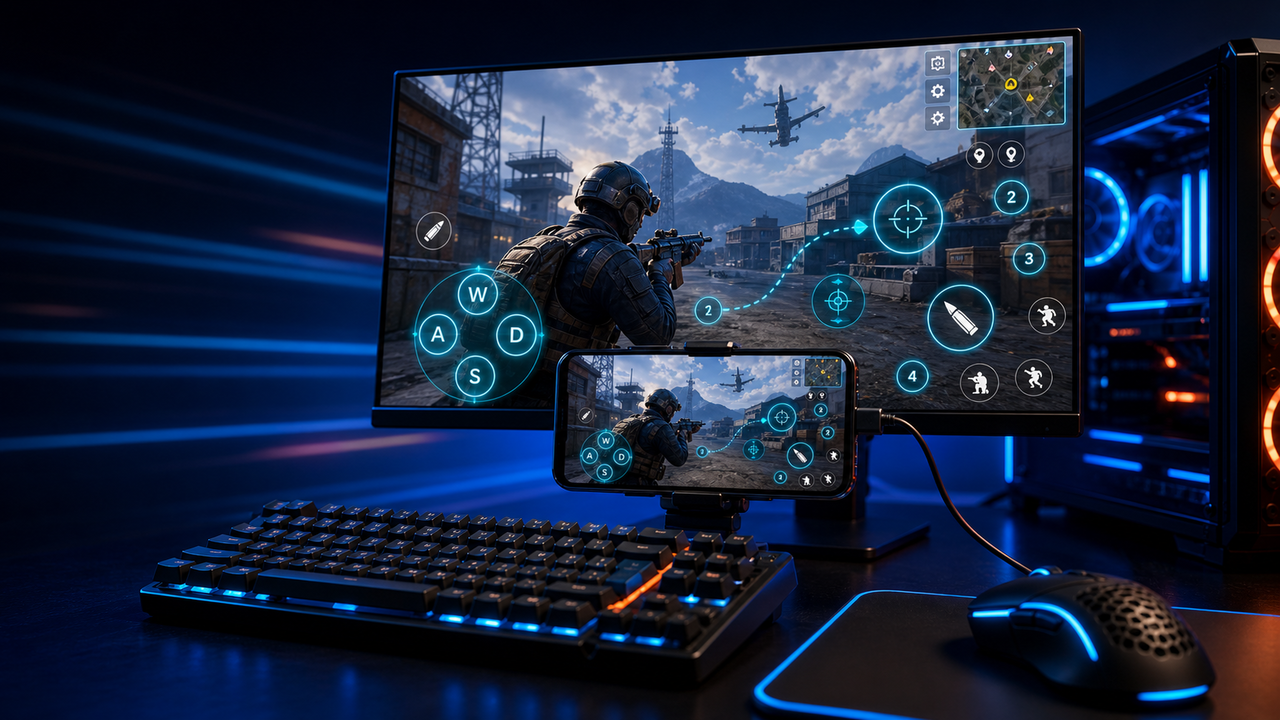
No matter how intricate the controls — drag skills, joystick movement, multi-finger combos — LaiCai's mapping system covers them all.
- Joystick, drag, tap, swipe — all mappable
- Handles the most demanding action RPGs
Drag-and-Drop Key Mapping
Place controls exactly where you want them — just drag a key to any spot on the screen. What you see is what you get.
- Keyboard, mouse & gamepad all supported
- Multi-layer mapping profiles
- Works with any mobile game
One Control, Unlimited Devices
Mirror and control any number of devices simultaneously. Every input syncs to all devices in real time — low latency, high frame rate, no device limit.
- All devices receive input in sync, millisecond response
- High frame rate mirroring, smooth and lag-free
- No device limit — scale as you need
Human-like Input
Subtle random variations are added to tap coordinates and timing, making every input closer to how a real finger naturally behaves — smoother feel, more fluid gameplay.
- Coordinate jitter: tap positions shift slightly each time
- Timing jitter: operation intervals vary naturally
- Key mapping, macro & group control tuned independently
Wired/Wireless Mirroring
Support USB and WiFi connection
Install APK
Batch install applications
ADB Commands
Execute custom ADB commands
File Transfer
Quickly transfer files to devices
Screen Recording
Record device screen content
Audio Recording
Record device audio
Screenshot
Quickly capture screen images
Phrase Management
Manage common phrase templates
Use cases
Choose LaiCai by real workflow
Find the right way to control Android phones from a computer for gaming, marketing, ecommerce, and multi-device teams.
Use Android phones on PC
Mirror a real phone to your computer for gaming, work, support, and multi-device workflows.
View the full workflowPlay Android mobile games on PC
Configure keyboard and mouse mapping for PUBG Mobile, Free Fire, COD Mobile, Roblox, and more.
View the full workflowMirror Android to PC and Mac
Use USB or Wi-Fi workflows to mirror, control, record, and capture Android screens.
View the full workflowControl multiple Android phones
Build workflows for ecommerce, support, QA, game studios, live operations, and device groups.
View the full workflowDownload Free Version
Note: Android screen mirroring only.
Contact Us
We're here to help — reach out through any channel.