บทความนี้สรุป workflow สำหรับใช้งาน Android จริงจาก PC/Mac Automation ควรใช้กับ workflow ที่ได้รับอนุญาต เช่น screenshot, check, training และ device operation ไม่ใช่ spam หรือเลี่ยงกฎ LaiCai Screen Mirroring keeps the workflow tied to real Android devices.
For the product workflow, start with LaiCai Screen Mirroring.
ควรประเมินอะไรก่อน
ให้ระบุก่อนว่าต้องการดูหน้าจอ ควบคุม touch screenshot recording ส่งไฟล์ หรือจัดการหลายเครื่อง
For single-device work, read the guide to control Android phones from a computer.
เหมาะกับงานใด
เหมาะกับ support, e-commerce, QA, game creator, training และ device operation
If the workflow involves several phones, continue with controlling multiple Android phones from one computer. Mac users can also read Android phone group control on macOS.
กฎการใช้งานปลอดภัย
ห้ามใช้กับ spam, fake engagement, unauthorized access, scraping, cheating หรือเลี่ยงกฎ
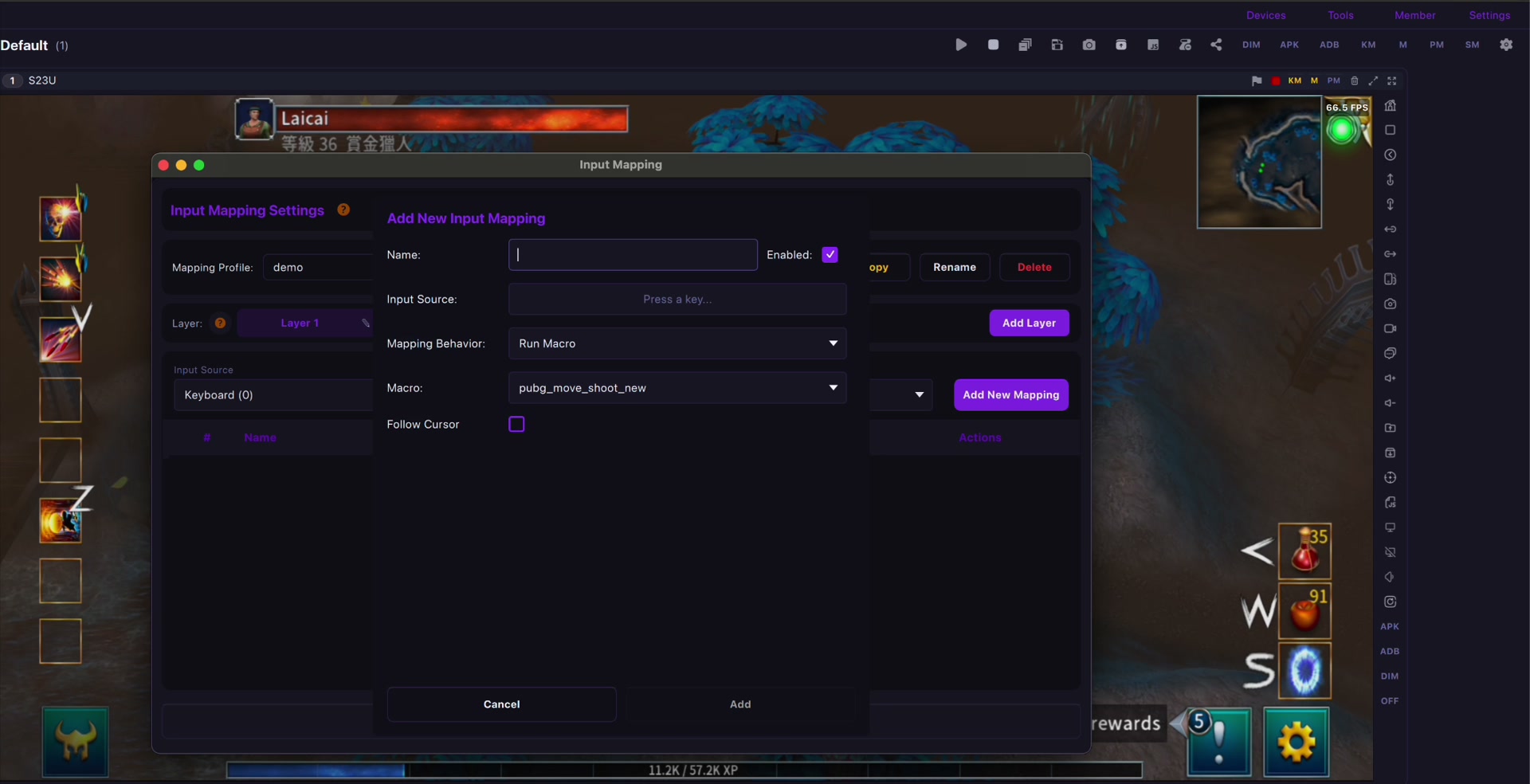
For mobile games, key mapping should be used for comfort and personal layouts. See the LaiCai key mapping guide.
เริ่มอย่างไร
ใช้ USB เมื่อเน้น low latency ใช้ Wi-Fi เมื่องานเบา และติด label อุปกรณ์กับบันทึกขั้นตอน
Connection quality matters. For latency and stability, read the USB vs Wi-Fi Android screen mirroring guide and the checklist to reduce Android screen mirroring lag.