이 글은 실제 Android 기기를 PC/Mac에서 다루는 실무 워크플로를 정리합니다. 자동화는 스크린샷, 점검, 교육 단계, 기기 운영처럼 허용된 반복 작업을 돕기 위한 것이며 스팸이나 규칙 회피용이 아닙니다. LaiCai Screen Mirroring keeps the workflow tied to real Android devices.
For the product workflow, start with LaiCai Screen Mirroring.
먼저 확인할 것
화면 확인, 터치 제어, 스크린샷, 짧은 녹화, 파일 이동, 여러 기기 관리 중 무엇이 목표인지 먼저 정합니다.
For single-device work, read the guide to control Android phones from a computer.
도움 되는 상황
지원, 이커머스 운영, QA, 게임 콘텐츠, 교육, 기기 운영 팀에 유용합니다.
If the workflow involves several phones, continue with controlling multiple Android phones from one computer. Mac users can also read Android phone group control on macOS.
안전한 사용 규칙
스팸, 가짜 참여, 무단 접근, 스크래핑, 치트, 규칙 회피에 사용하지 마세요.
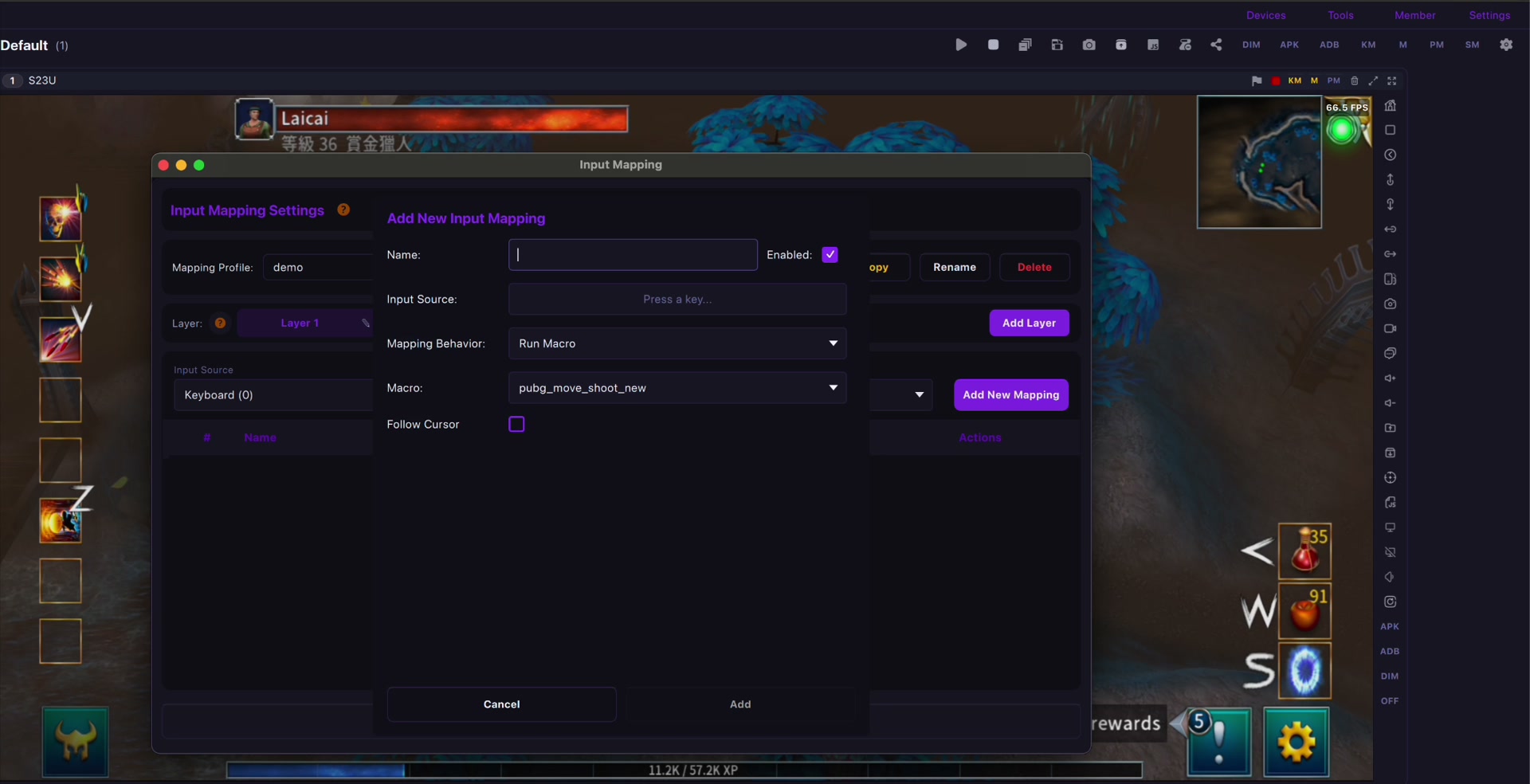
For mobile games, key mapping should be used for comfort and personal layouts. See the LaiCai key mapping guide.
시작 방법
낮은 지연은 USB, 가벼운 확인은 Wi-Fi를 쓰고 기기 라벨과 반복 절차를 정리합니다.
Connection quality matters. For latency and stability, read the USB vs Wi-Fi Android screen mirroring guide and the checklist to reduce Android screen mirroring lag.