この記事では、実機AndroidをPC/Macから扱う実用的なワークフローを整理します。 自動化はスクリーンショット、確認、研修手順、端末運用など許可された反復作業を支援するもので、スパムや規約回避のためではありません。 LaiCai Screen Mirroring keeps the workflow tied to real Android devices.
For the product workflow, start with LaiCai Screen Mirroring.
最初に確認すること
目的は画面確認、タッチ操作、スクリーンショット、短い録画、ファイル移動、複数端末の管理のどれかを明確にすることです。
For single-device work, read the guide to control Android phones from a computer.
役立つ場面
サポート、EC運用、QA、ゲーム動画、研修、端末運用で、実機の証拠を残したいチームに向いています。
If the workflow involves several phones, continue with controlling multiple Android phones from one computer. Mac users can also read Android phone group control on macOS.
安全な使い方
スパム、偽エンゲージメント、不正アクセス、スクレイピング、チート、規約回避には使わないでください。
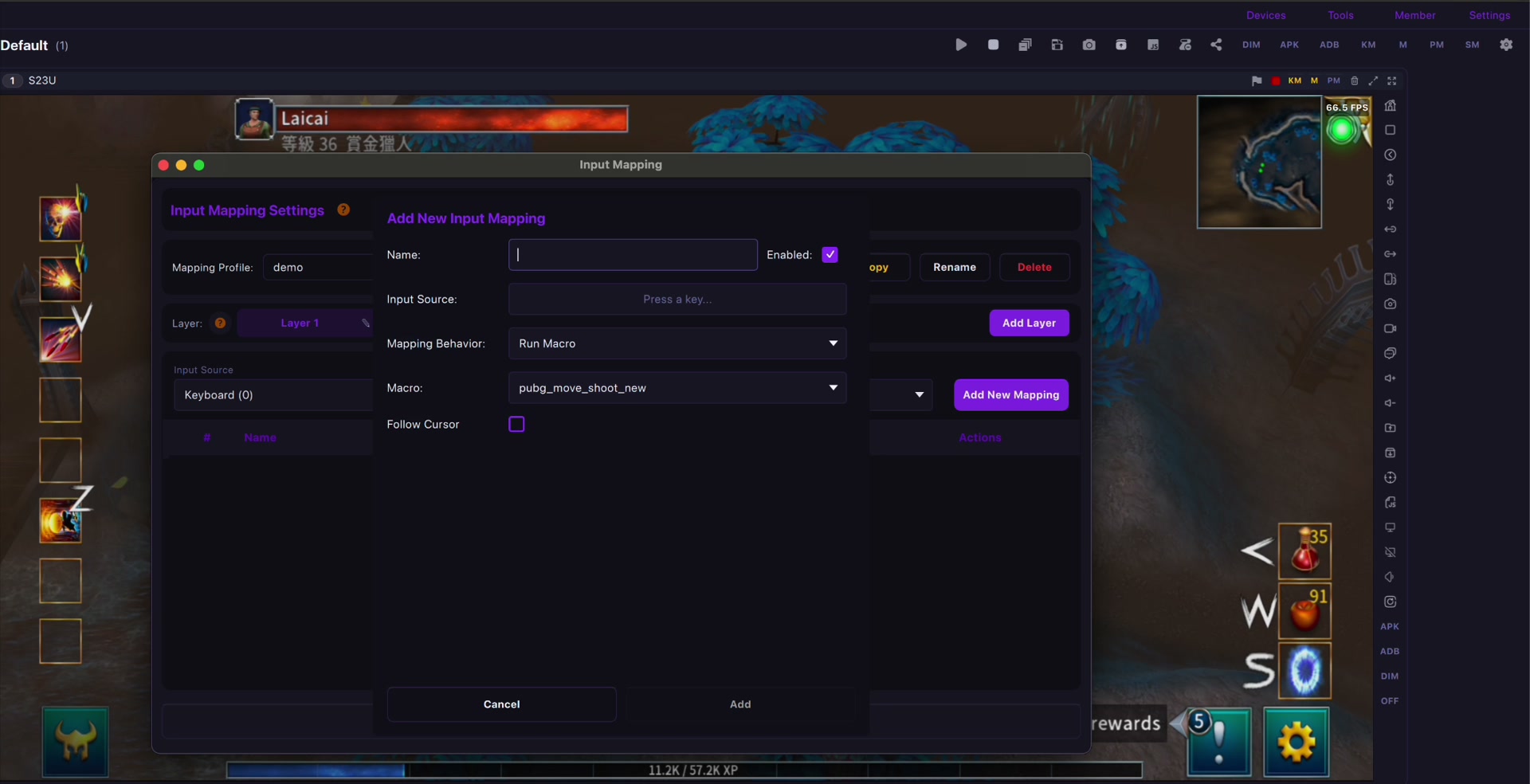
For mobile games, key mapping should be used for comfort and personal layouts. See the LaiCai key mapping guide.
始め方
低遅延ならUSB、軽い確認ならWi-Fiを使い、端末名と手順を整理します。
Connection quality matters. For latency and stability, read the USB vs Wi-Fi Android screen mirroring guide and the checklist to reduce Android screen mirroring lag.