يبقى Diablo Immortal على هاتف Android الحقيقي ويصبح PC/Mac شاشة كبيرة ومساحة لتعيين المفاتيح. LaiCai Screen Mirroring.
Why this workflow fits Diablo Immortal
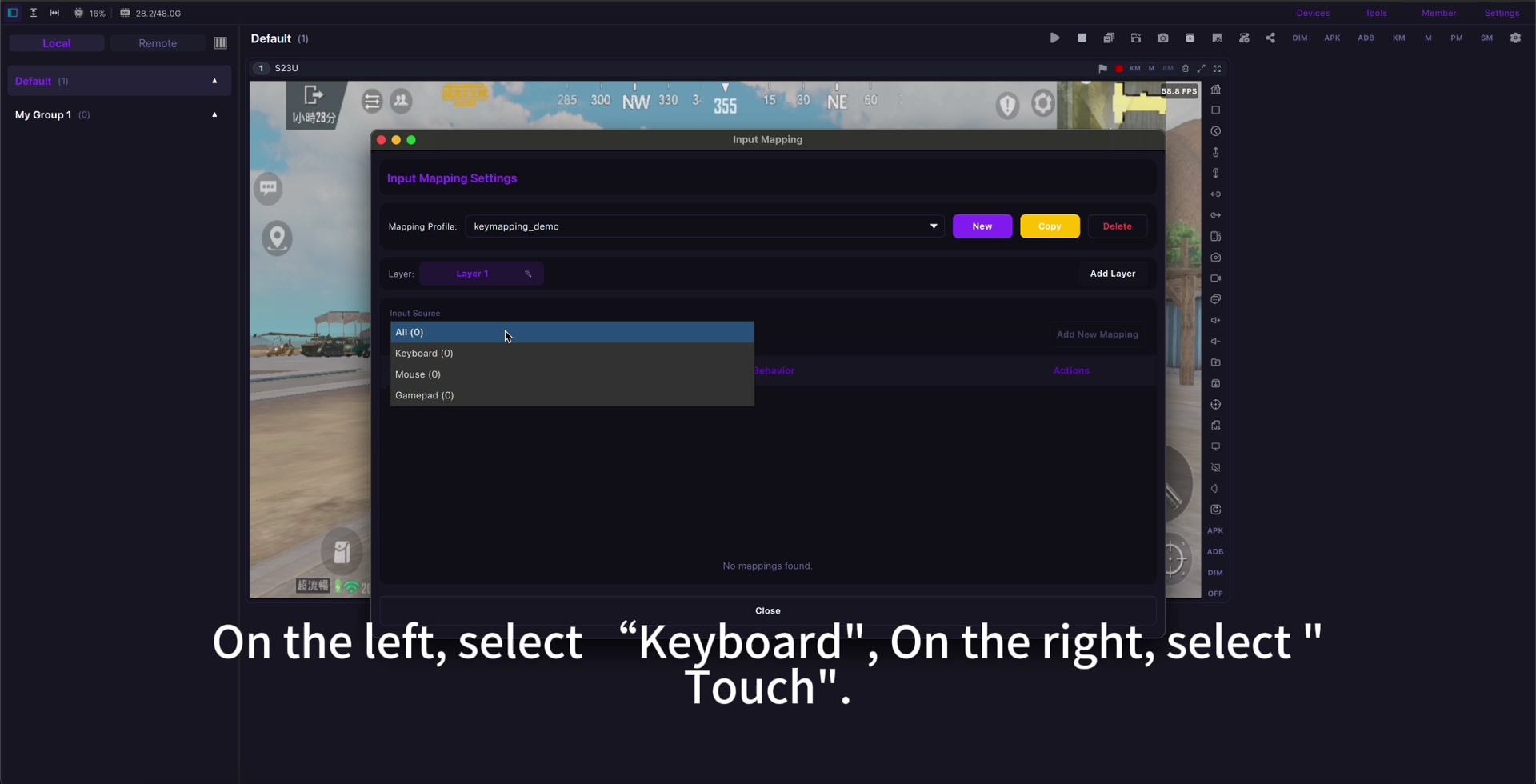
LaiCai Screen Mirroring keeps Diablo Immortal running on the real Android phone while the computer provides the larger screen, keyboard/mouse surface, screenshots, and recording workspace.
This is useful when you want mobile account continuity, a cleaner desk setup, long-session comfort, or real-device evidence for guides and testing.
Use it as part of the broader لعب Diablo Immortal على الكمبيوتر workflow, not as a way to bypass game rules.
Connection and key mapping
Start with USB, finish game updates on the phone, and keep the touch HUD fixed before creating a profile.
Map movement, primary attack, skills, potion, map, inventory, and interact keys. For details, use the تعيين مفاتيح Diablo Immortal guide.
Do not map every button at once. Test movement and core skills first, then add secondary actions only when they improve real play.
Quality and fair-play boundary
Stable 720p or 1080p at 45-60 FPS is often enough. If the picture feels delayed, read تقليل تأخير عكس شاشة Android before changing every key.
Check phone heat, charging, audio, and recording before long sessions.
Do not use bots, auto-farming scripts, unfair macros, account abuse, exploit automation, or rule-violating behavior.
Setup checklist
- Use a real Android phone.
- Start with USB.
- Fix the game HUD before mapping.
- Map only the controls you need.
- Tune FPS, bitrate, audio, and heat.
- Avoid automation and rule violations.
Sources: Diablo Immortal official site, Google Play, App Store.