Keyboard and mouse key mapping
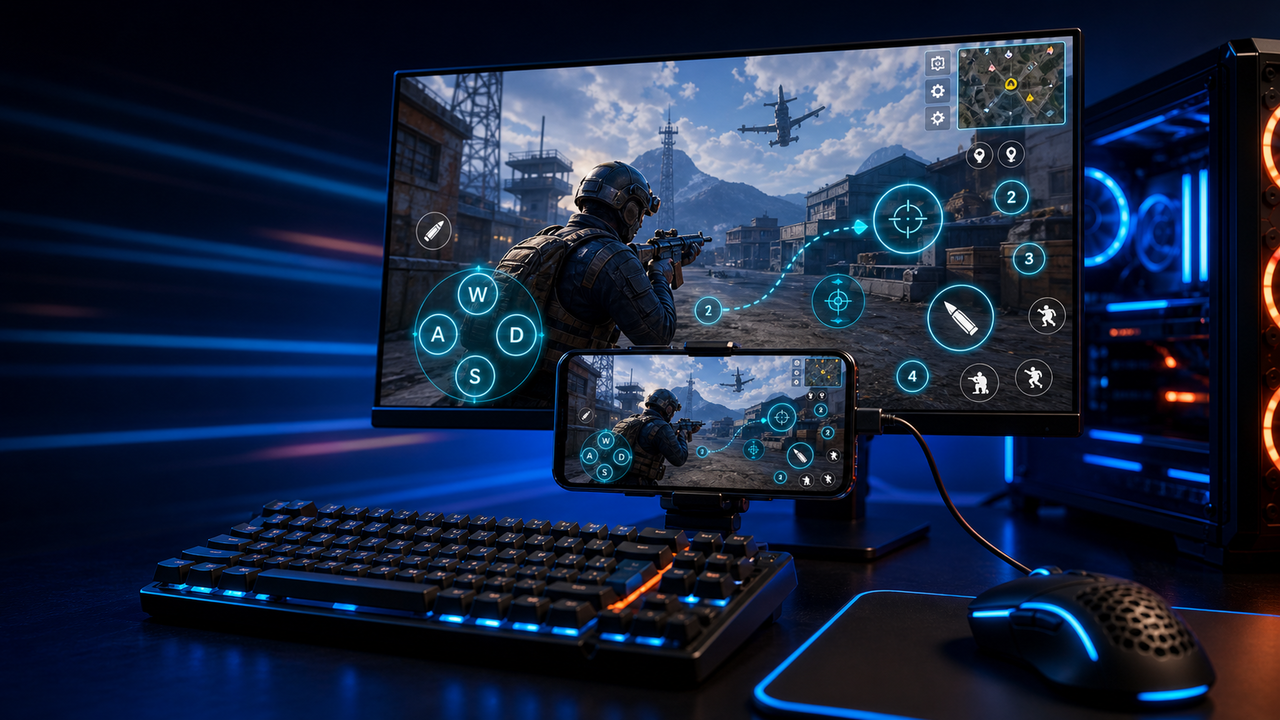
Turn touch controls into a PC-style layout for movement, aiming, firing, skills, camera, backpack, and common game actions.
Mobile games on PC, powered by Android devices and emulators
Mirror Android devices and emulators to Windows or macOS, then use keyboard, mouse, gamepad, and custom key mapping for supported mobile game workflows.
LaiCai
A larger screen, physical controls, and custom layouts can make long sessions more comfortable while PUBG Mobile, Free Fire, COD Mobile, Mobile Legends, Roblox, and other games run on Android devices or emulators.
الخطوات
Connect your phone, open the game, then tune the controls for your own play style.
Install LaiCai Screen Mirroring on your Windows PC or Mac.
Connect the Android phone by USB or a supported Wi-Fi workflow.
Open PUBG Mobile, Free Fire, COD Mobile, Mobile Legends, Roblox, or another supported game on the phone.
Mirror the phone screen to the computer workspace.
Drag key-mapping controls onto movement, camera, fire, backpack, skill, and action areas.
Test the layout, adjust sensitivity, then save the mapping for the next session.
سير العمل
Turn touch controls into a PC-style layout for movement, aiming, firing, skills, camera, backpack, and common game actions.
The game keeps running on your Android device or emulator while LaiCai Screen Mirroring gives you a larger PC or Mac display for daily play and tutorials.
Capture screenshots, record short clips, and keep reusable control layouts for PUBG Mobile, Free Fire, COD Mobile, Mobile Legends, and Roblox.
مقارنة
جيد لبيئات Android الافتراضية والعديد من الألعاب.
LaiCai مفيد عندما تحتاج هذه البيئات إلى تحكم من سطح المكتب أو key mapping أو تسجيل أو عمليات متعددة الأهداف.جيد للمستخدمين التقنيين الذين يريدون مرآة خفيفة الوزن.
يضيف LaiCai سير عمل المنتج المرئي، وتخطيط المفاتيح، والتسجيل، ومجموعات الأجهزة.جيد عندما لا يحتاج الجهاز إلى أن يكون محليًا.
يركز LaiCai على أجهزة Android والمحاكيات المحلية التي يتم التحكم فيها من PC أو Mac.الأسئلة الشائعة
LaiCai Screen Mirroring is useful for players who want computer controls for Android devices and supported emulators.
نعم. LaiCai يدعم Windows و macOS.
يمكن استخدام key mapping في الألعاب المدعومة بينما تعمل اللعبة على جهاز Android أو محاكي مدعوم.
نعم. LaiCai يدعم تخطيطات لوحة المفاتيح والماوس ويد التحكم.
نعم. LaiCai يوفر مجموعات الأجهزة وعمليات متعددة الهواتف.
LaiCai Screen Mirroring is useful for players who want computer controls for Android devices and supported emulators.