Mobile game communities create a lot of practical content: settings guides, event walkthroughs, build explanations, aim training clips, map routes, squad-role tutorials, and short coaching videos. For games like PUBG Mobile, Free Fire, Call of Duty: Mobile, Mobile Legends, Genshin Impact, Honkai: Star Rail, and other Android games, the cleanest tutorial is often recorded from a real phone instead of an emulator.
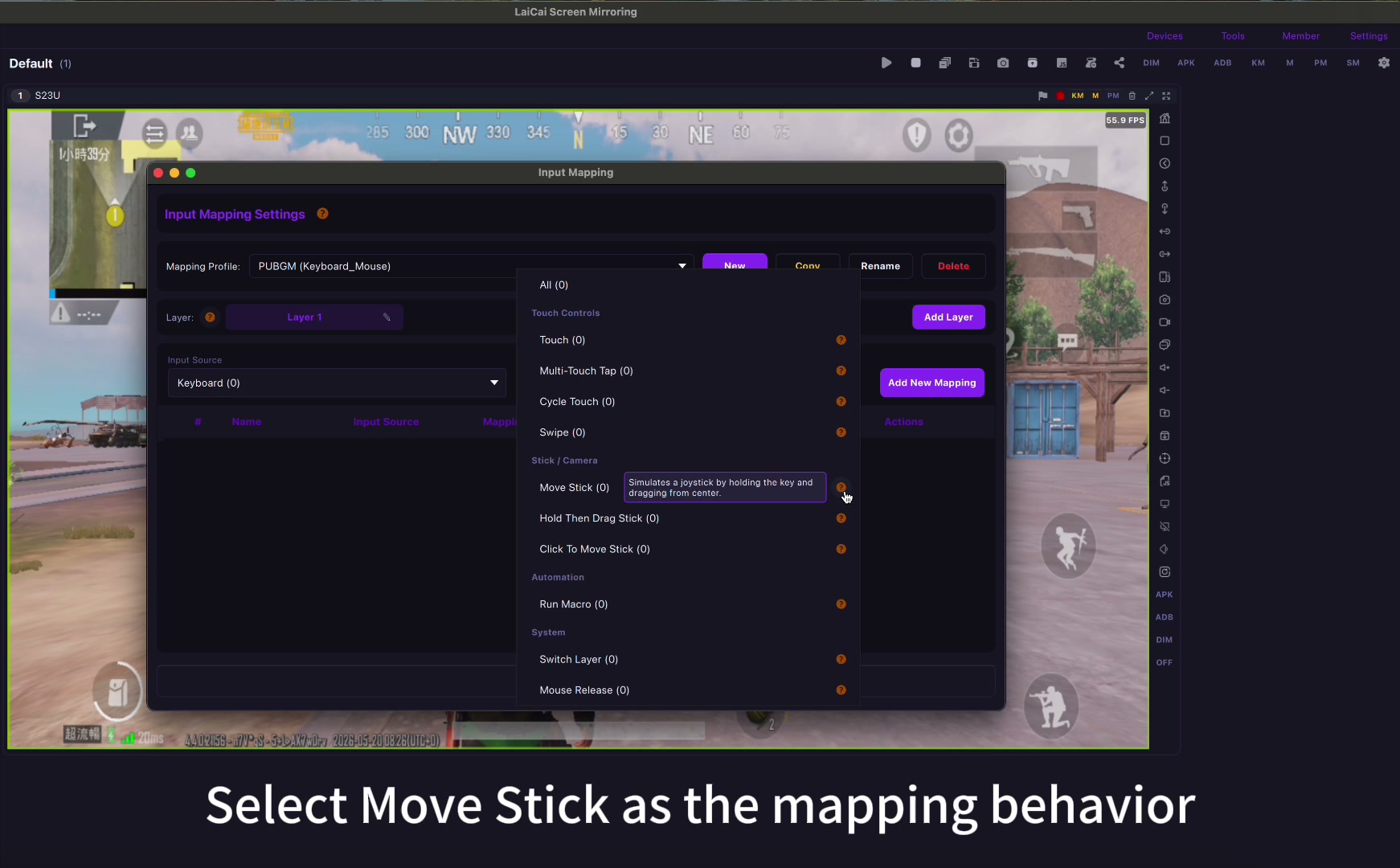
LaiCai Screen Mirroring lets players mirror a real Android phone to a PC or Mac, control supported workflows with keyboard and mouse mapping, capture screenshots, and record the gameplay window. The goal is simple: make tutorial recording easier while keeping the game running on real Android hardware.
Why Real Phones Help Tutorial Creators
Guild leaders and community creators often want tutorials that match what members see on their own phones. Real-device recording keeps the mobile UI, touch layout, graphics options, account state, notifications, and device performance closer to normal play.
- PUBG Mobile: sensitivity setup, gyroscope explanation, four-finger or keyboard/mouse layout demos, map routes, and vehicle practice.
- Free Fire: HUD setup, weapon recoil practice, character skill explanations, and event walkthroughs.
- Call of Duty: Mobile: weapon loadouts, ranked mode examples, movement drills, and key mapping profiles.
- MOBA games: lane rotation, item builds, skill combos, and teamfight review clips.
- RPG and gacha games: daily route guides, boss mechanics, farming paths, and event task walkthroughs.
Build a Repeatable Recording Setup
A repeatable setup matters more than a perfect studio. Keep one phone for the game, one stable PC or Mac for recording, and one clean folder structure for clips and screenshots. If the tutorial uses keyboard and mouse, prepare the layout before recording.
For more recording basics, read how to record Android gameplay on PC with keyboard and mouse. For layout planning, see the best keyboard mapping setup for Android games on PC.
A Good Tutorial Recording Workflow
- Choose one topic per video: settings, build, route, event, bug workaround, or coaching point.
- Prepare the game account, graphics setting, language, and server before recording.
- Mirror the real Android phone to LaiCai on PC or Mac.
- Check that the game screen, cursor mode, key mapping labels, and audio are clear.
- Record a short test clip before the real take.
- Capture screenshots for important settings pages or final results.
- Name files with game, topic, date, version, and device model.
- Write a short description for the community: what the tutorial covers, who it helps, and which settings were used.
Make Tutorials Easier to Follow
Good game tutorials are not just long gameplay recordings. They explain one problem clearly. Use short clips, pause points, visible settings, and consistent names. If you are showing a key mapping layout, zoom in or include a screenshot so viewers understand which key triggers movement, aim, fire, backpack, map, skill, or vehicle controls.
Fair-Play Boundaries
Use tutorial recording to teach legitimate gameplay, settings, team communication, content creation, and community support. Do not promote cheats, recoil scripts, unauthorized automation, account abuse, fake engagement, or behavior that violates game or platform rules. A healthy community grows faster when its guides are useful and fair.
Conclusion
For guilds, clans, Discord communities, Facebook groups, and small creator teams, LaiCai can turn a real Android phone into a practical tutorial-recording workspace. You keep the game on real hardware, use the computer for a larger screen and cleaner recording, and build repeatable guides that members can actually follow.