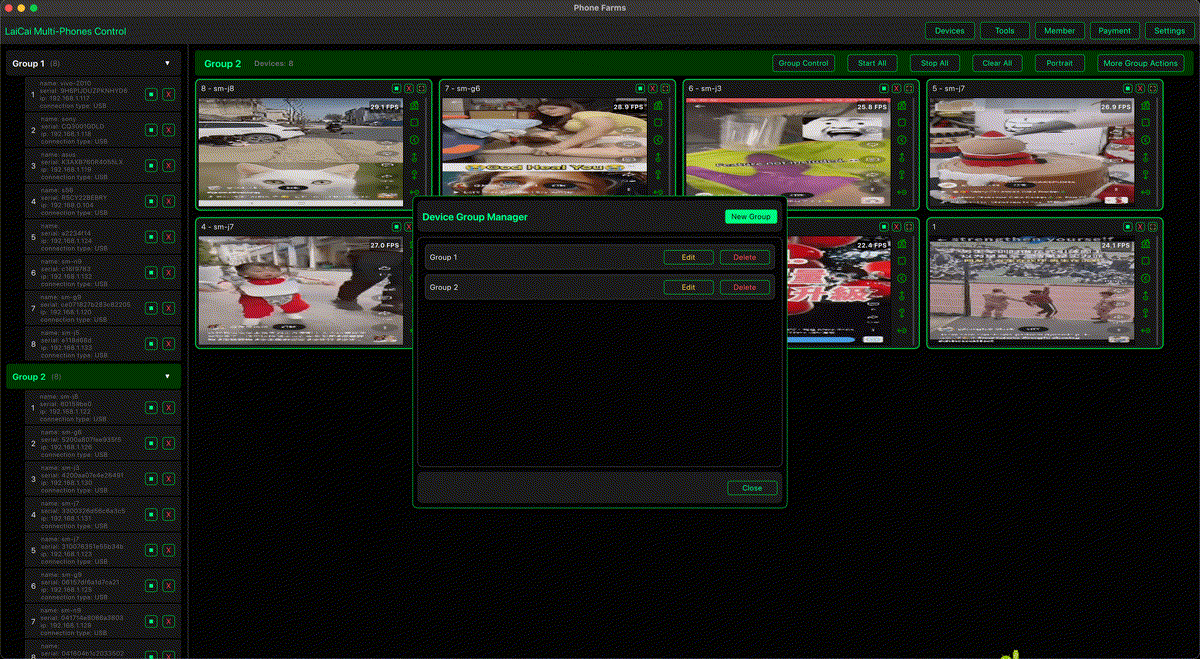
修理店や中古スマホ販売店では、画面、touch、camera、speaker、Wi-Fi、charging、account status を短時間で確認する必要があります。LaiCai Screen Mirroring は実機AndroidをPC/Macへ表示し、複数端末の状態確認、screenshots、短いrecording、作業メモを整理しやすくします。
関連: real device control comparison、Android app testing workflow。
Checklist
- 端末にorder ID、model、inspection dateを付ける。
- LaiCaiでPC/Macへmirrorする。
- screen、touch、camera、networkを確認する。
- 問題画面をscreenshotまたは短いclipで残す。
- Intake、Needs Repair、Ready to Listなどに分ける。
Customer privacyを守り、不要なphotos、messages、payment apps、identity pagesを記録しないようにします。