Mirror and control Android
View the Android screen on a larger display and operate supported app workflows without constantly switching context.
Android devices and emulators on PC
Open the phone screen on your Windows PC or Mac, click through apps, type from your keyboard, and record the steps. Your apps keep running on the connected Android device.
LaiCai
Working with an app on a real phone can mean moving between two screens for every tap, message, or screenshot. LaiCai Screen Mirroring brings the phone display and input controls into your desktop workspace. Supported emulator instances can also be connected when your workflow needs them.
HowTo
Start with one phone over USB. Confirm both the display and input before adding game controls or more devices.
Install LaiCai on your Windows PC or Mac, then unlock your Android phone.
Enable USB debugging in the phone's developer options and connect it using a data-capable USB cable.
Accept the phone's debugging authorization prompt for your trusted computer, then select the connected device in LaiCai.
Open the mirrored screen. Click an app, navigate back, and type into a non-sensitive text field to check input.
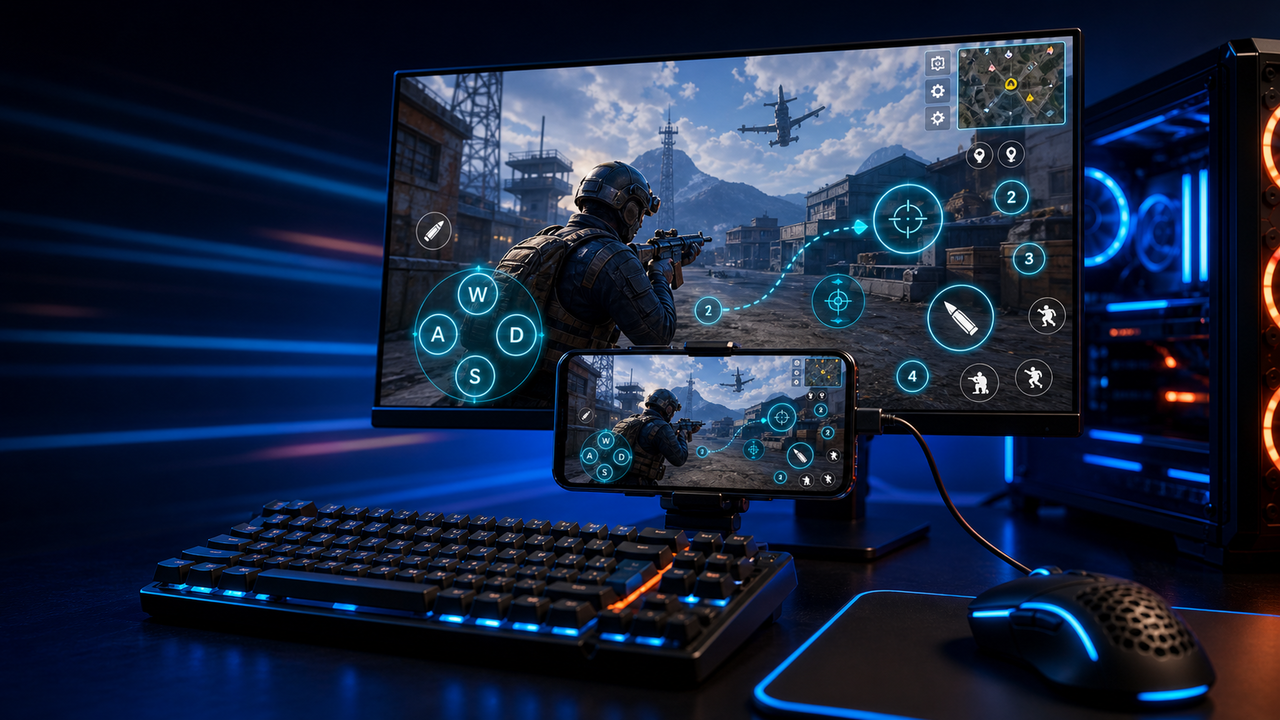
For games, open key mapping and assign keys to the required touch controls. Check each action before combining them.
Capture screenshots, record the workflow, or add devices to a group once the first phone works as expected.
Workflow
View the Android screen on a larger display and operate supported app workflows without constantly switching context.
Map movement, aim, fire, backpack, skills, camera, and other touch areas to your own keyboard, mouse, or controller layout.
Use device groups for QA, customer support, e-commerce, live commerce, training, or multi-account operational checks.
Comparison
Good for virtual Android environments and many games.
LaiCai is useful when those environments need desktop control, key mapping, recording, or multi-target operations.Good for technical users who want a lightweight mirror.
LaiCai adds a visual product workflow, key mapping, recording, and device groups.Good when the device does not need to be local.
LaiCai focuses on local Android devices and emulators controlled from PC or Mac.FAQ
Install LaiCai, enable USB debugging on your phone, connect it to the computer, and approve the debugging prompt. Open its screen in LaiCai and check a click, a navigation action, and text input before starting your normal workflow.
Follow the phone control guideNo. When you connect a physical phone, its apps and data remain on that phone. LaiCai displays the screen and sends your input to it. LaiCai can also connect supported emulator instances, but does not create an Android emulator itself.
Unlock the phone and look for the debugging authorization prompt. Confirm USB debugging is enabled, then try a data-capable cable and another USB port. Charging alone does not prove that the computer has a working data connection.
Check Android connection setupYes. LaiCai supports Windows and macOS. Follow the connection guide for your phone and confirm input on the apps you plan to use.
LaiCai includes custom keyboard, mouse, and controller mapping, plus device groups. Configure and check one phone first. For a group, verify that each target is ready for the action you intend to send.
Control multiple Android phonesCheck whether the problem affects the whole phone or only one app. Verify the phone's authorization and any device-specific input permissions in the connection guide. An app-specific restriction is different from a missing USB connection; adding game key mapping will not repair a failed basic input path.
Connect a phone, verify mouse and keyboard input, then add recording, game key mapping, or device groups as your work requires.