Keyboard and mouse key mapping
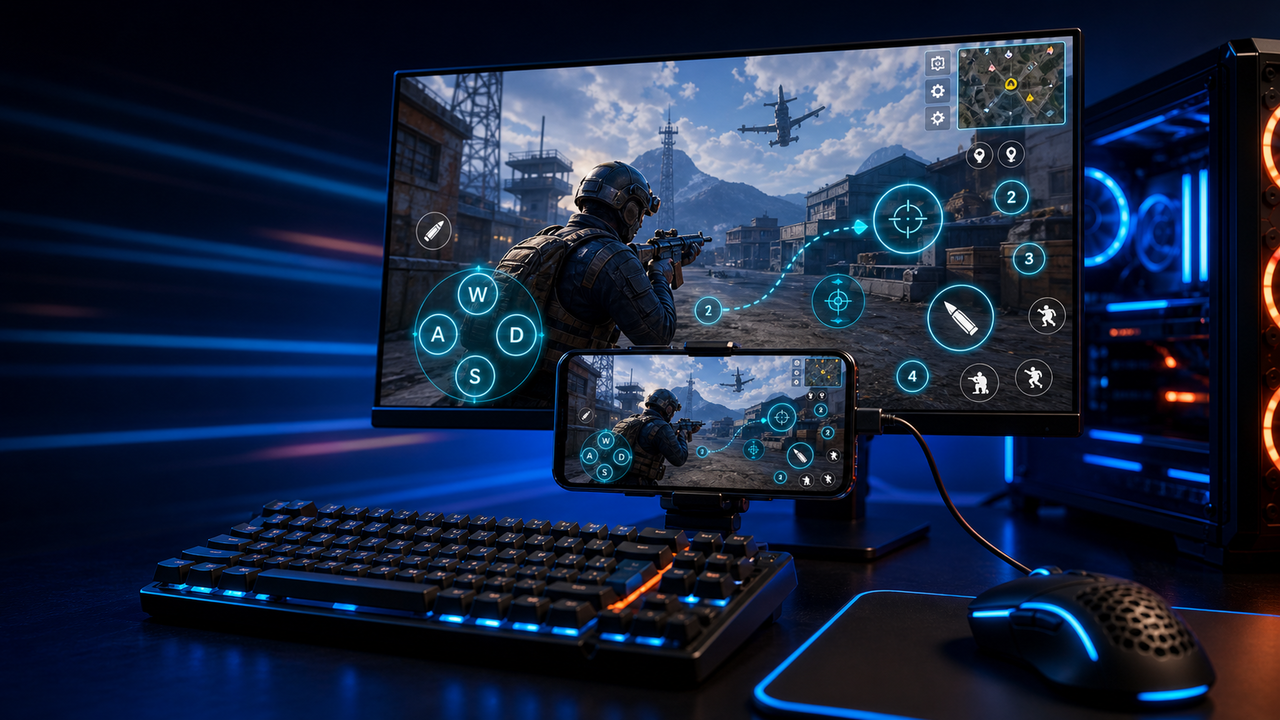
Turn touch controls into a PC-style layout for movement, aiming, firing, skills, camera, backpack, and common game actions.
Mobile games on PC, powered by Android devices and emulators
Keep the game running on your Android phone while you play through a larger Windows or Mac screen. Use LaiCai Screen Mirroring to configure keyboard, mouse, or controller mappings and capture gameplay.
LaiCai
A PC gaming workflow does not always require another Android installation. With a connected phone, the installed game and its local state stay on that device. LaiCai adds the desktop display and controls; the phone still does the work of running the game.
HowTo
Use a practice area or tutorial to check controls before a live match. Supported behavior depends on the game and your device.
Install LaiCai on Windows or macOS and open the game on your Android phone.
Enable USB debugging, connect the phone with a data cable, and approve your trusted computer.
Open the mirrored phone screen in LaiCai and check that the game's orientation and touch controls are visible.
Open key mapping. Assign movement and the actions you use first, then add camera, skills, or other touch controls as needed.
Test movement, a single action, and combined inputs in a practice area. Recheck mappings after changing the game's layout or orientation.
Adjust display settings to suit your phone and connection, then capture a short recording if you want to review the session.
Workflow
Turn touch controls into a PC-style layout for movement, aiming, firing, skills, camera, backpack, and common game actions.
The game keeps running on your Android device or emulator while LaiCai Screen Mirroring gives you a larger PC or Mac display for daily play and tutorials.
Capture screenshots, record short clips, and keep reusable control layouts for PUBG Mobile, Free Fire, COD Mobile, Mobile Legends, and Roblox.
Comparison
Useful when you want to keep the game's existing phone installation and operate it from a larger screen.
LaiCai mirrors the phone and adds controls. Phone performance, temperature, connection quality, and game rules still matter.An option for supported games on a Windows computer that meets Google's requirements.
Check the PC catalog for your title, region, and account. Availability on the Android Play Store alone does not establish PC support.An option when you want the game to run in a separate Android environment on the computer.
Check the emulator's requirements and the game's compatibility. LaiCai can control supported emulator instances, but does not replace the emulator runtime.FAQ
Yes, by connecting a physical Android phone and mirroring its screen to the computer. With LaiCai, the game runs on the phone while the PC displays gameplay and sends configured input. You still need a working phone connection.
Read the setup without an emulatorMirroring uses the game installed on the connected phone; it does not move that installation to the PC. Account sign-in, cloud saves, and cross-platform progress are controlled by the game. Check its own requirements before switching accounts or devices.
LaiCai key mapping lets you assign desktop inputs to touch controls such as movement and action buttons. Configure the layout for the game you actually use, then test it in a practice area. A change to the in-game HUD can require remapping.
Configure game key mappingIt does not transfer game rendering to the PC. The phone still runs the game, so phone load and temperature matter. The connection and mirroring settings also affect what you see on the computer. There is no universal latency or frame-rate guarantee.
LaiCai supports Windows and macOS, and provides controller mapping. Confirm the controls required by your particular game; platform support does not guarantee that every game accepts every input arrangement.
Gamepad connection guideNo universal compatibility or game-policy guarantee is possible. Check the game's rules for external controls and automation, and verify the workflow before relying on it. Displaying a game, controlling it, and automating actions are separate capabilities.
Connect your phone, map the actions you need, and verify them in practice. Add recording or more devices once the single-phone setup works for your game.