Mirror and control Android
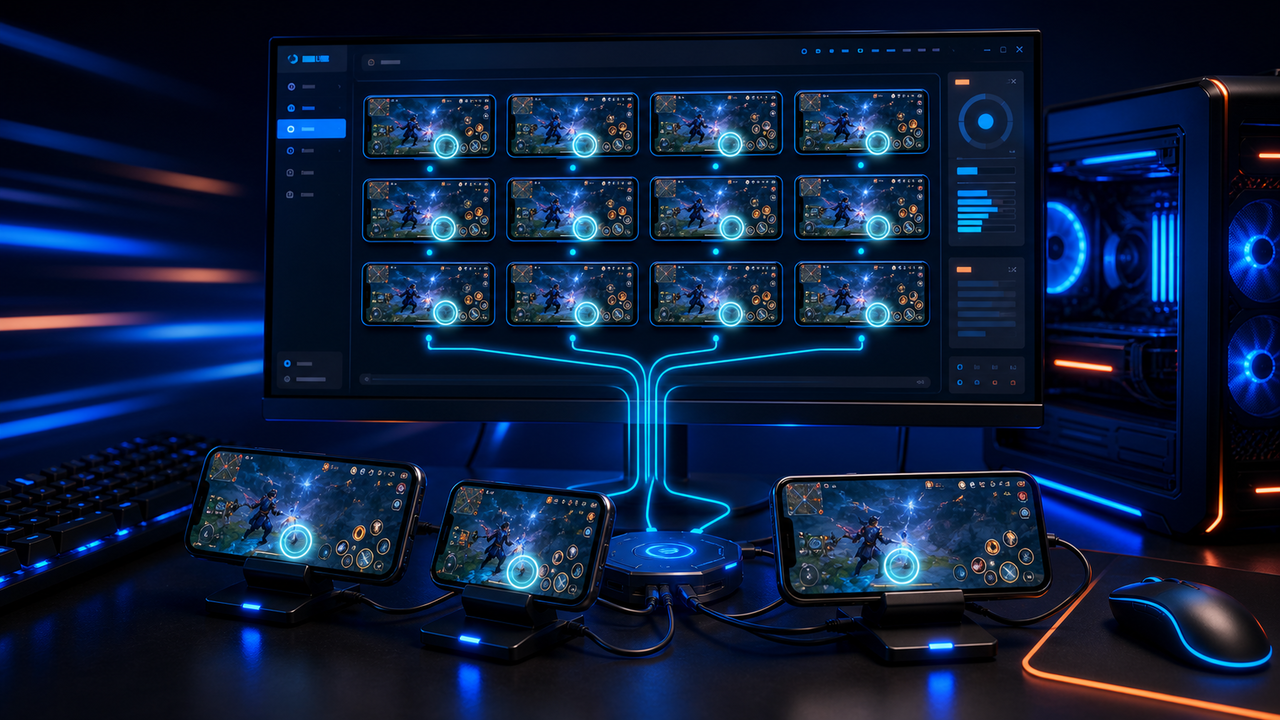
View the Android screen on a larger display and operate supported app workflows without constantly switching context.
Android screen mirroring for work and play
Show your Android phone on a larger Windows or Mac screen for app demos, support, tutorials, and gameplay. Start with a USB connection, then use LaiCai Screen Mirroring to view, control, or record the phone.
LaiCai
A browser preview or a separate emulator may not reproduce what is on your phone. Mirroring brings that device's live display to the computer, so you can demonstrate the installed app, explain a setting, or capture a sequence of actions.
HowTo
A USB connection is a useful starting point because you can check the cable, authorization, and screen separately.
Install LaiCai on Windows or macOS, then unlock the Android phone you want to show.
Enable USB debugging in the phone's developer options and connect a data-capable USB cable.
Approve the debugging prompt for your trusted computer and select the phone in LaiCai.
Open the screen, launch the app you want to show, and verify that screen changes appear on the computer.
Check portrait or landscape layout and adjust mirroring quality to suit your phone and connection.
Take a screenshot or record a short demo. Use the connection guide if you want to set up a supported Wi-Fi workflow.
Workflow
View the Android screen on a larger display and operate supported app workflows without constantly switching context.
Map movement, aim, fire, backpack, skills, camera, and other touch areas to your own keyboard, mouse, or controller layout.
Use device groups for QA, customer support, e-commerce, live commerce, training, or multi-account operational checks.
Comparison
A practical starting point at a desk, where you can connect the phone directly to the computer.
Check for a data-capable cable and the phone's authorization prompt. Charging is not evidence that screen mirroring is connected.Useful when cable placement gets in the way and your phone and network support the connection workflow.
Follow the connection guide and test the intended network. Wireless conditions can affect the display; do not assume a successful USB setup proves Wi-Fi will work.Useful when you want an independent emulator instance on your computer.
It has its own app installation and state. To show what is happening on a specific physical phone, mirror that phone instead.FAQ
Install LaiCai, enable USB debugging on the phone, connect a data-capable USB cable, and approve the computer on the phone. Select the device and open its screen. Check that a visible change on the phone also appears in the desktop window.
Follow the connection guideMirroring displays the phone screen. Control also sends mouse or keyboard input back to the phone. LaiCai supports both; check input separately if your task requires it.
Control Android from PCYes. LaiCai supports Windows and macOS. Use the Android connection guide to authorize the computer and open the phone screen.
Check USB debugging, unlock the phone, and look for an authorization prompt. Try a known data cable and a different USB port. If the device appears but the screen fails, record that distinction before troubleshooting; detection and video display are separate checks.
Some apps protect parts of their display from capture. Check whether the home screen and another ordinary app mirror correctly. If only protected content is blank, do not treat it as proof that the entire connection failed. LaiCai does not promise to bypass app capture restrictions.
LaiCai includes screen recording and supports Wi-Fi connection workflows described in the connection guide. Verify the app you want to capture and test your actual network before a demo. Results depend on the device, app, and connection.
Check connection optionsConnect one phone, confirm the live display, and record or control it from your desktop when your task needs those tools.