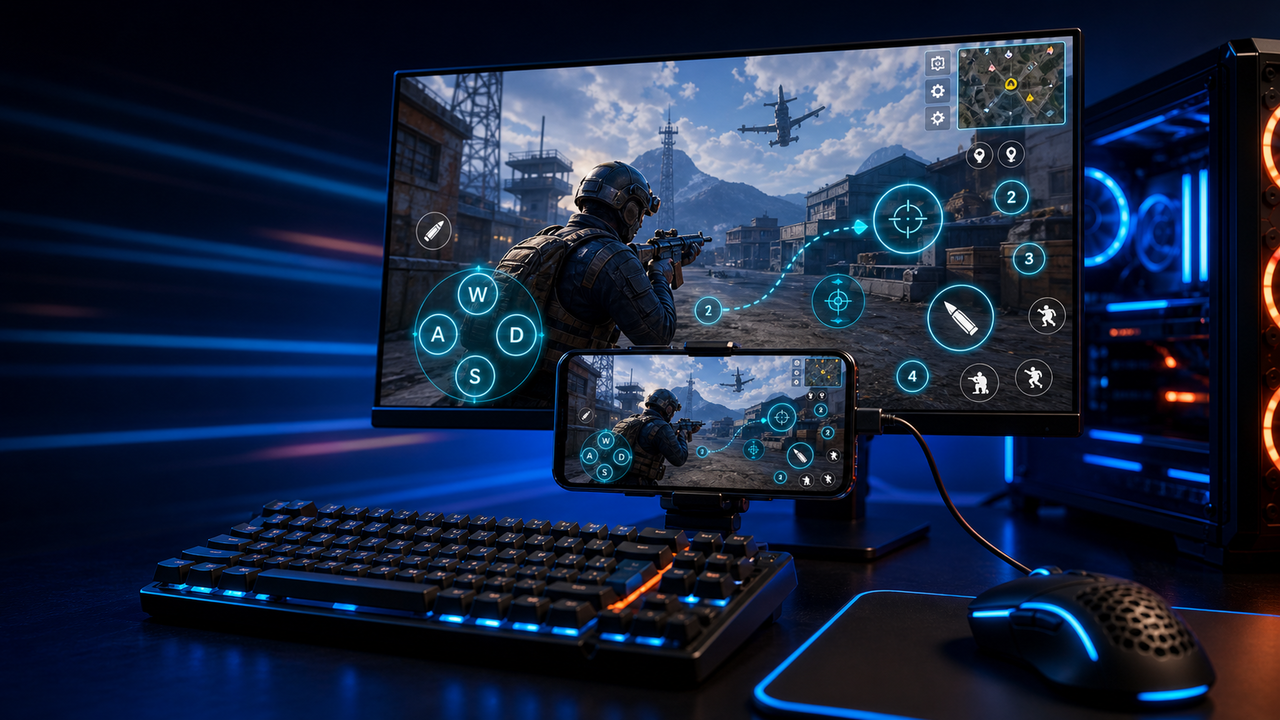
Keyboard and mouse key mapping
Turn touch controls into a PC-style layout for movement, aiming, firing, skills, camera, backpack, and common game actions.
Mobile games on PC, powered by Android devices and emulators
Mirror Android devices and emulators to Windows or macOS, then use keyboard, mouse, gamepad, and custom key mapping for supported mobile game workflows.
LaiCai
A larger screen, physical controls, and custom layouts can make long sessions more comfortable while PUBG Mobile, Free Fire, COD Mobile, Mobile Legends, Roblox, and other games run on Android devices or emulators.
Langkah
Connect your phone, open the game, then tune the controls for your own play style.
Install LaiCai Screen Mirroring on your Windows PC or Mac.
Connect the Android phone by USB or a supported Wi-Fi workflow.
Open PUBG Mobile, Free Fire, COD Mobile, Mobile Legends, Roblox, or another supported game on the phone.
Mirror the phone screen to the computer workspace.
Drag key-mapping controls onto movement, camera, fire, backpack, skill, and action areas.
Test the layout, adjust sensitivity, then save the mapping for the next session.
Alur kerja
Turn touch controls into a PC-style layout for movement, aiming, firing, skills, camera, backpack, and common game actions.
The game keeps running on your Android device or emulator while LaiCai Screen Mirroring gives you a larger PC or Mac display for daily play and tutorials.
Capture screenshots, record short clips, and keep reusable control layouts for PUBG Mobile, Free Fire, COD Mobile, Mobile Legends, and Roblox.
Perbandingan
Cocok untuk lingkungan Android virtual dan banyak game.
LaiCai berguna saat environment tersebut perlu kontrol desktop, key mapping, rekaman, atau operasi multi-target.Cocok untuk pengguna teknis yang menginginkan cermin ringan.
LaiCai menambahkan alur kerja produk visual, pemetaan kunci, perekaman, dan grup perangkat.Bagus bila perangkat tidak harus lokal.
LaiCai berfokus pada perangkat Android dan emulator lokal yang dikontrol dari PC atau Mac.Pertanyaan Umum
LaiCai Screen Mirroring is useful for players who want computer controls for Android devices and supported emulators.
Ya. LaiCai mendukung Windows dan macOS.
Anda dapat memakai key mapping untuk workflow game yang didukung sementara game berjalan di perangkat Android atau emulator yang didukung.
Ya. LaiCai mendukung layout keyboard, mouse, dan controller.
Ya. LaiCai memiliki grup perangkat dan workflow multi-ponsel.
LaiCai Screen Mirroring is useful for players who want computer controls for Android devices and supported emulators.