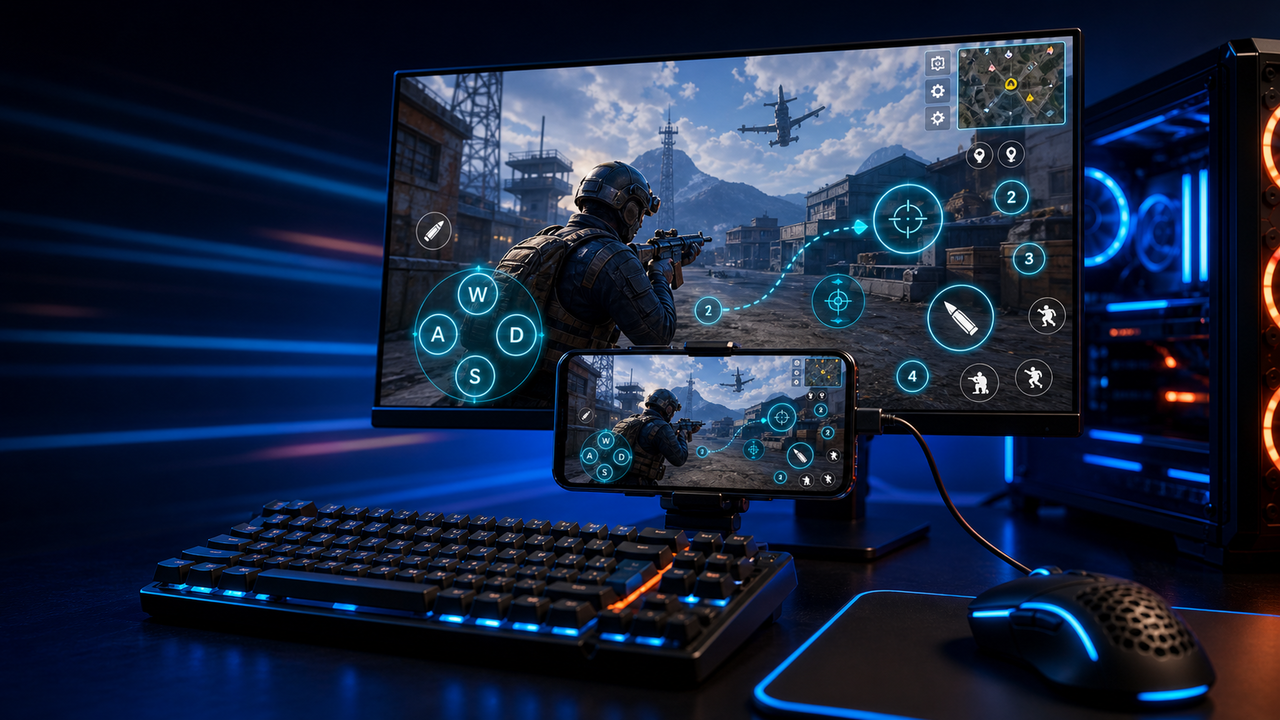
Keyboard and mouse key mapping
Turn touch controls into a PC-style layout for movement, aiming, firing, skills, camera, backpack, and common game actions.
Mobile games on PC, powered by Android devices and emulators
Mirror Android devices and emulators to Windows or macOS, then use keyboard, mouse, gamepad, and custom key mapping for supported mobile game workflows.
LaiCai
A larger screen, physical controls, and custom layouts can make long sessions more comfortable while PUBG Mobile, Free Fire, COD Mobile, Mobile Legends, Roblox, and other games run on Android devices or emulators.
Passaggi
Connect your phone, open the game, then tune the controls for your own play style.
Install LaiCai Screen Mirroring on your Windows PC or Mac.
Connect the Android phone by USB or a supported Wi-Fi workflow.
Open PUBG Mobile, Free Fire, COD Mobile, Mobile Legends, Roblox, or another supported game on the phone.
Mirror the phone screen to the computer workspace.
Drag key-mapping controls onto movement, camera, fire, backpack, skill, and action areas.
Test the layout, adjust sensitivity, then save the mapping for the next session.
Flusso di lavoro
Turn touch controls into a PC-style layout for movement, aiming, firing, skills, camera, backpack, and common game actions.
The game keeps running on your Android device or emulator while LaiCai Screen Mirroring gives you a larger PC or Mac display for daily play and tutorials.
Capture screenshots, record short clips, and keep reusable control layouts for PUBG Mobile, Free Fire, COD Mobile, Mobile Legends, and Roblox.
Confronto
Buono per ambienti Android virtuali e molti giochi.
LaiCai è utile quando questi ambienti richiedono controllo desktop, key mapping, registrazione o operazioni multi-target.Buono per gli utenti tecnici che desiderano uno specchio leggero.
LaiCai aggiunge un flusso di lavoro visivo del prodotto, mappatura dei tasti, registrazione e gruppi di dispositivi.Utile quando non è necessario che il dispositivo sia locale.
LaiCai si concentra su dispositivi Android ed emulatori locali controllati da PC o Mac.Domande frequenti
LaiCai Screen Mirroring is useful for players who want computer controls for Android devices and supported emulators.
Sì. LaiCai supporta Windows e macOS.
Puoi usare key mapping nei flussi di gioco supportati mentre il gioco gira su un dispositivo Android o un emulatore supportato.
Sì. LaiCai supporta layout tastiera, mouse e controller.
Sì. LaiCai include gruppi di dispositivi e flussi multi-telefono.
LaiCai Screen Mirroring is useful for players who want computer controls for Android devices and supported emulators.